Orchestrate agents however you work. Plan with GPT Sol, then hand the build to Opus. Steer sessions from one chat, or jump into any of them directly. Spot another issue mid-task? Ask that session to start a new one.
Plan with GPT Sol, then hand the build to Opus. Steer sessions from one chat, or jump into any of them directly. Spot another issue mid-task? Ask that session to start a new one.
Run Carbon on all your machines. Start a task on your MacBook, run it on the Mac mini or a Linux server, and keep it going when you close the lid.
Start a task on your MacBook, run it on the Mac mini or a Linux server, and keep it going when you close the lid.
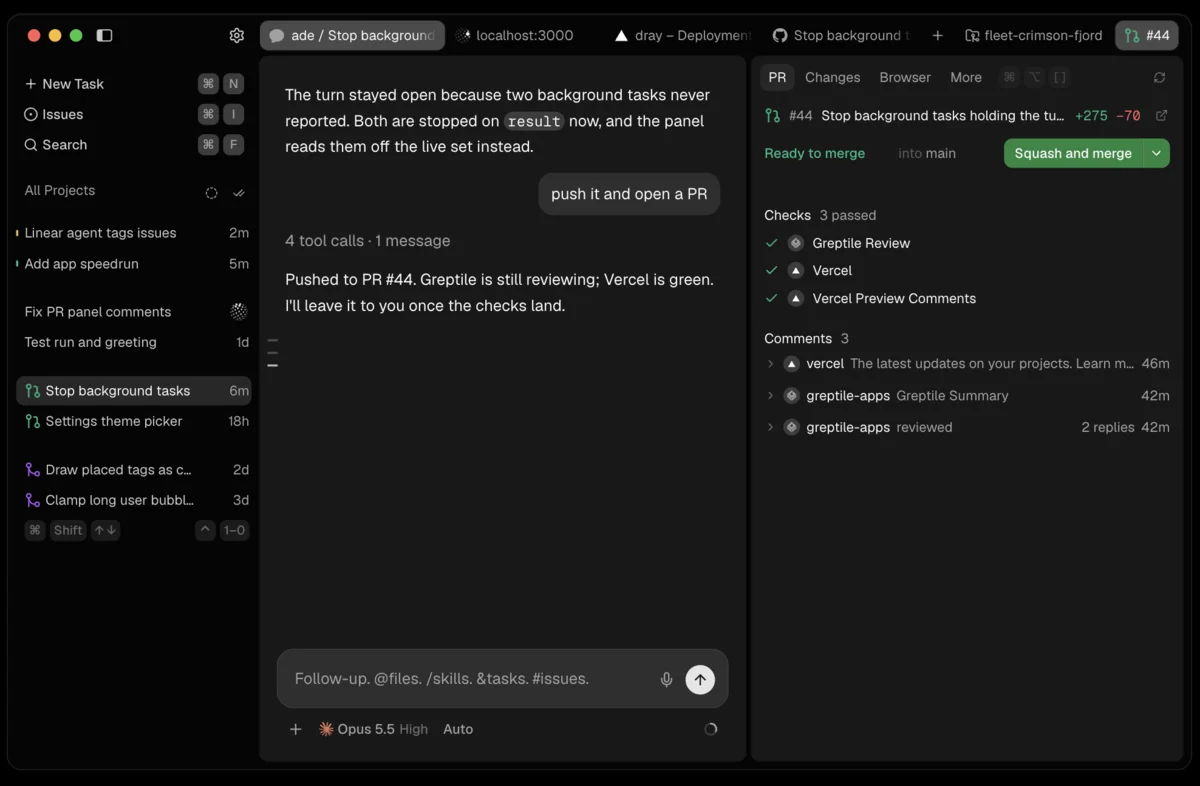
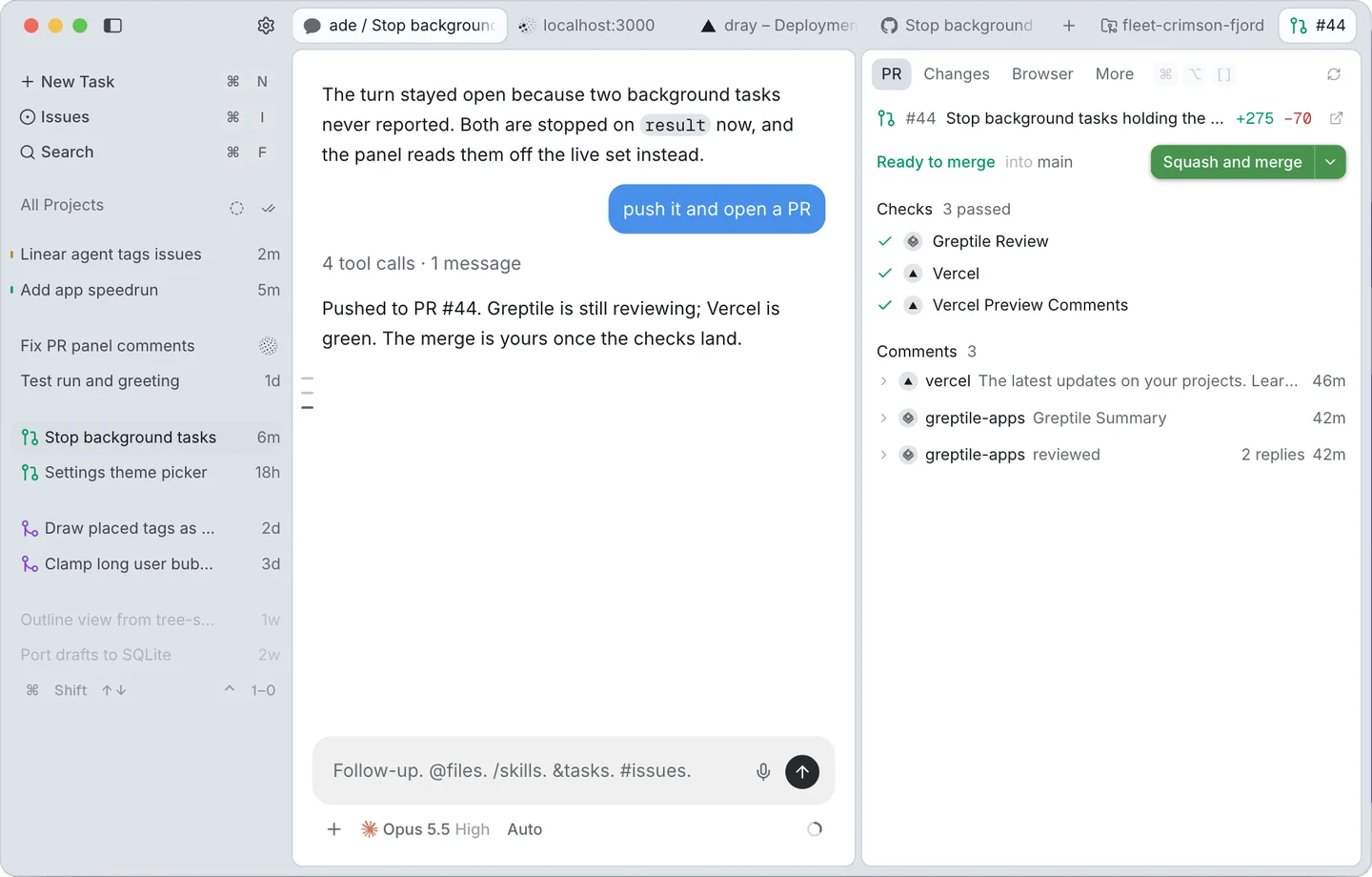
Ticket to merge, all in app. Issues, diffs, files, PRs and a browser right beside the chat.
Start from a ticket.
Pick up a GitHub or Linear issue. It stays linked to the chat.
Review and merge here.
Your pull request's checks and comments sit right beside the chat.
Test it right in Carbon.
Open your dev server in the built-in browser. Your agent tests in it too.
Talk to your sessions from any app.
Dictation
Tap Control and talk, and your words land in the session. Hold Shift to circle what you mean, or drag out a screenshot.
Messages
Read a session's latest turns from whatever app you're in, and reply without switching.
Waiting and done
When a session needs you or finishes, a pill hangs from the notch. Nothing opens until you want it to.
Questions and permissions
Answer questions and approve tool calls at the notch or above the Dock, with number keys and Return.
Frequently Asked Questions
What is Carbon?
Carbon is one Mac app for every coding agent. Run them on your Mac or on your other machines.
Is Carbon free?
Yes. Carbon is free and open source under Apache 2.0.
Which agents does Carbon support?
Carbon supports Claude Code, Codex, pi, fx and Grok Build.
Is Carbon safe to use with my Claude subscription?
Yes. Carbon runs Anthropic's own Claude Code CLI so it works within their terms.
Does Carbon send my code off my machine?
No. Carbon keeps your data on your machine. Your agents talk to their own providers, as usual.
Does Carbon run on Linux?
Yes, as a server. Your agents run on Linux, and you drive them from the Carbon app on your Mac.